From Source to Production: Deploying a Full-Stack Bookstore with Docker Compose on Azure
A complete walkthrough of the EpicBook capstone — three containers, two networks, named volumes, healthchecks, and a reverse proxy on a cloud VM

I started learning DevOps in January with zero cloud background.
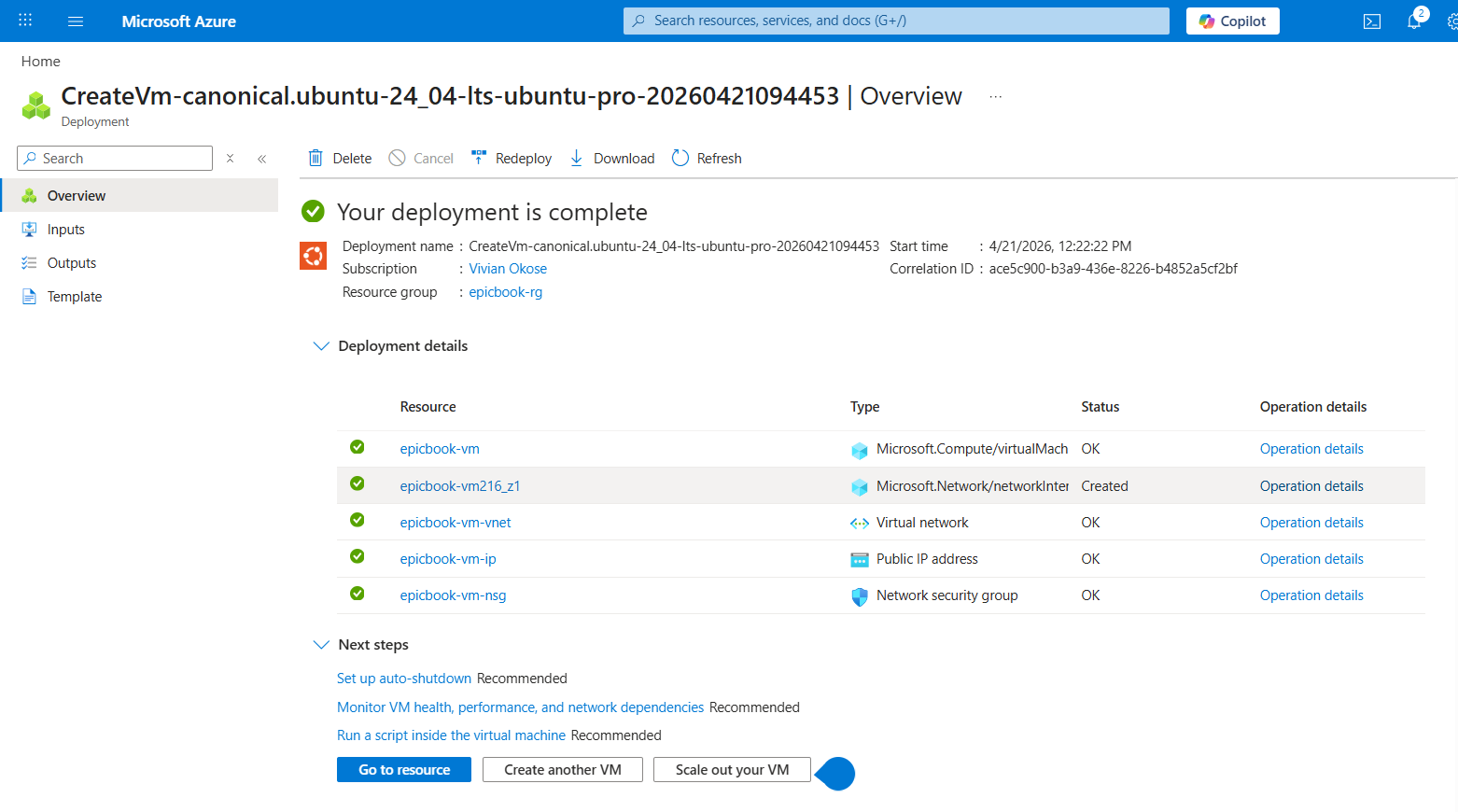
This week I deployed a production-ready full-stack bookstore to the internet. Three containers. Two isolated networks. A MySQL database with 54 books that survives full stack restarts. An Nginx reverse proxy that is the only thing the internet can touch. A Node.js backend serving a real application behind it.
This is the EpicBook capstone and I want to walk you through it properly.
What We Are Building
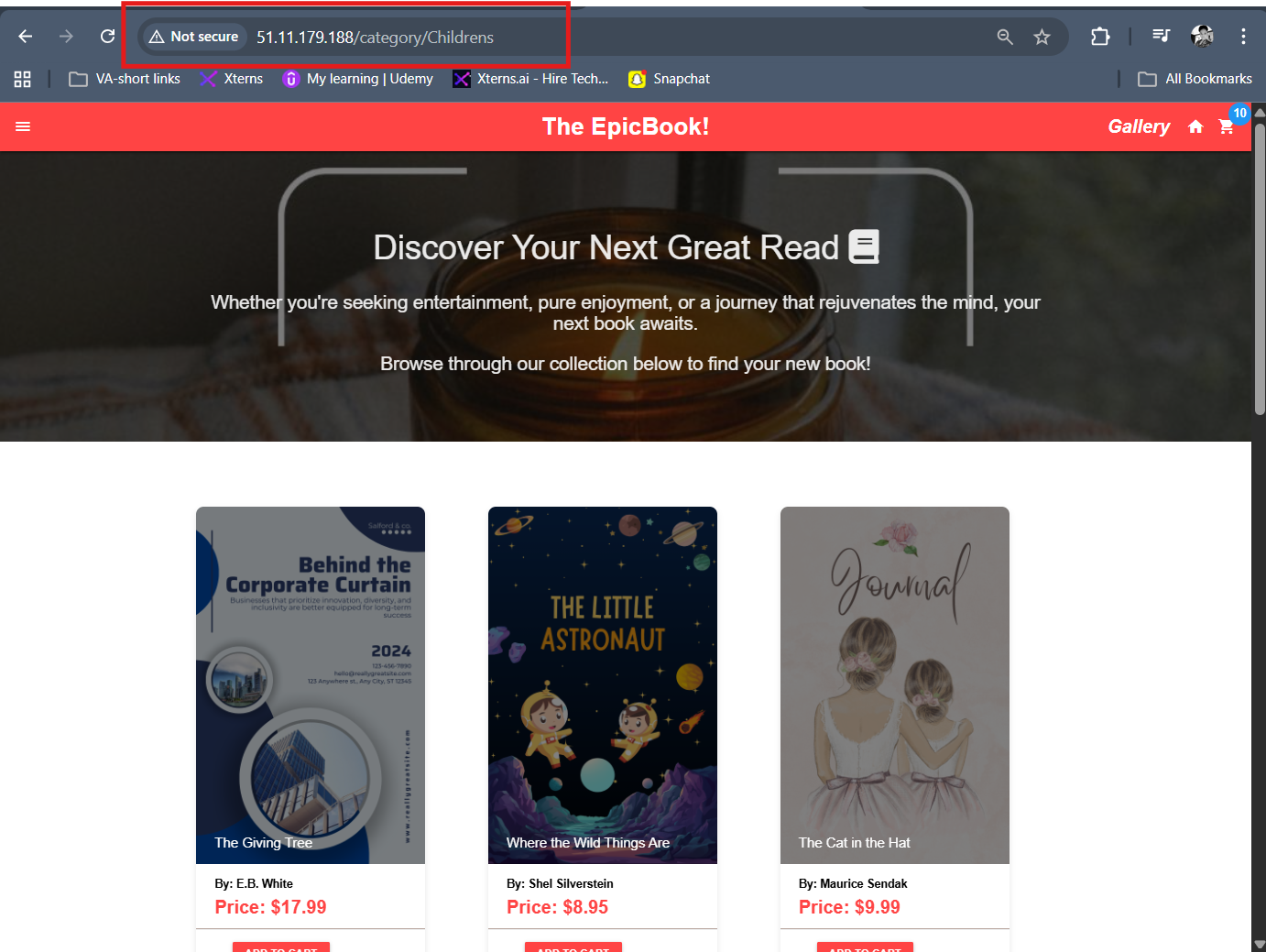
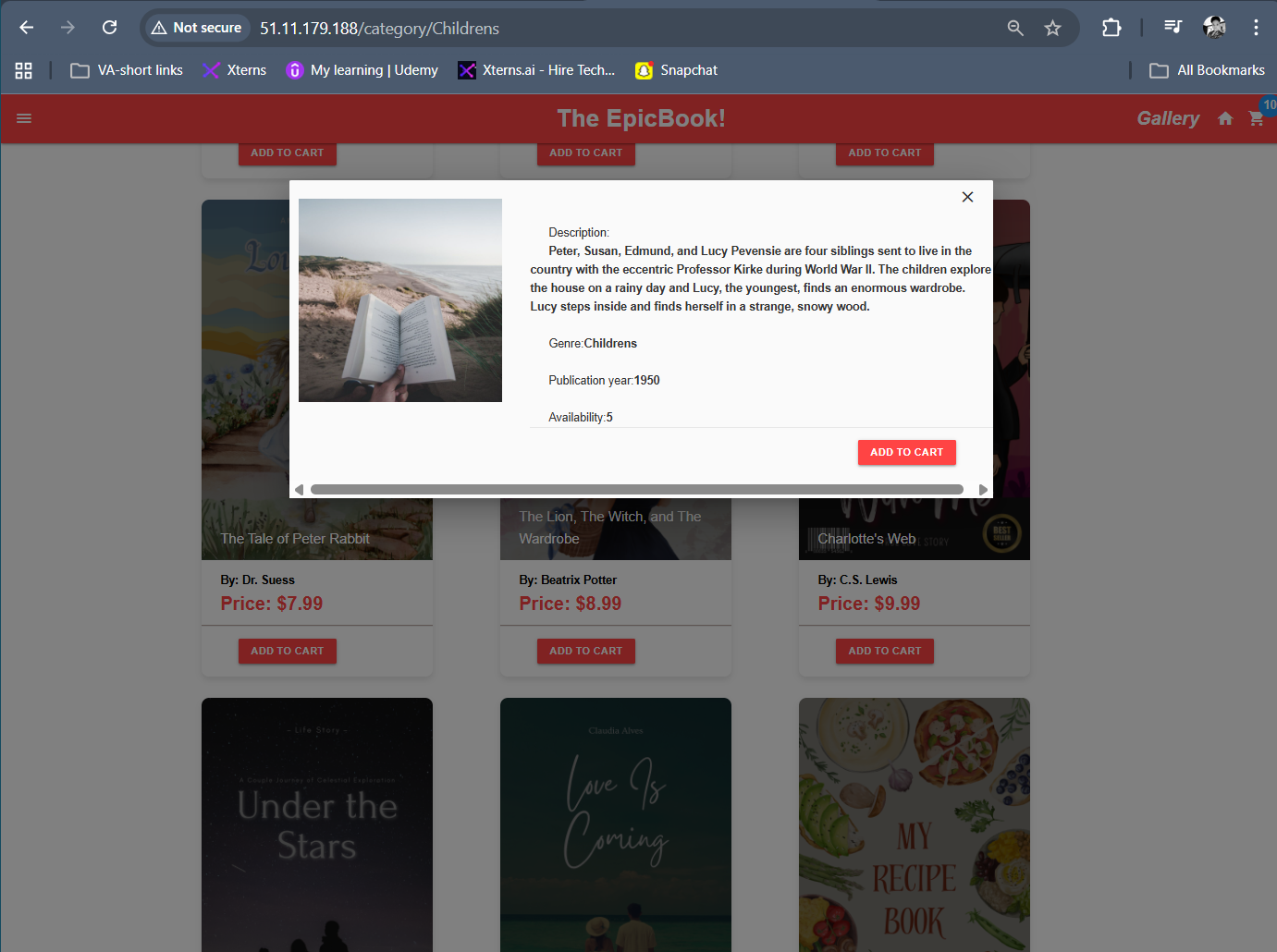
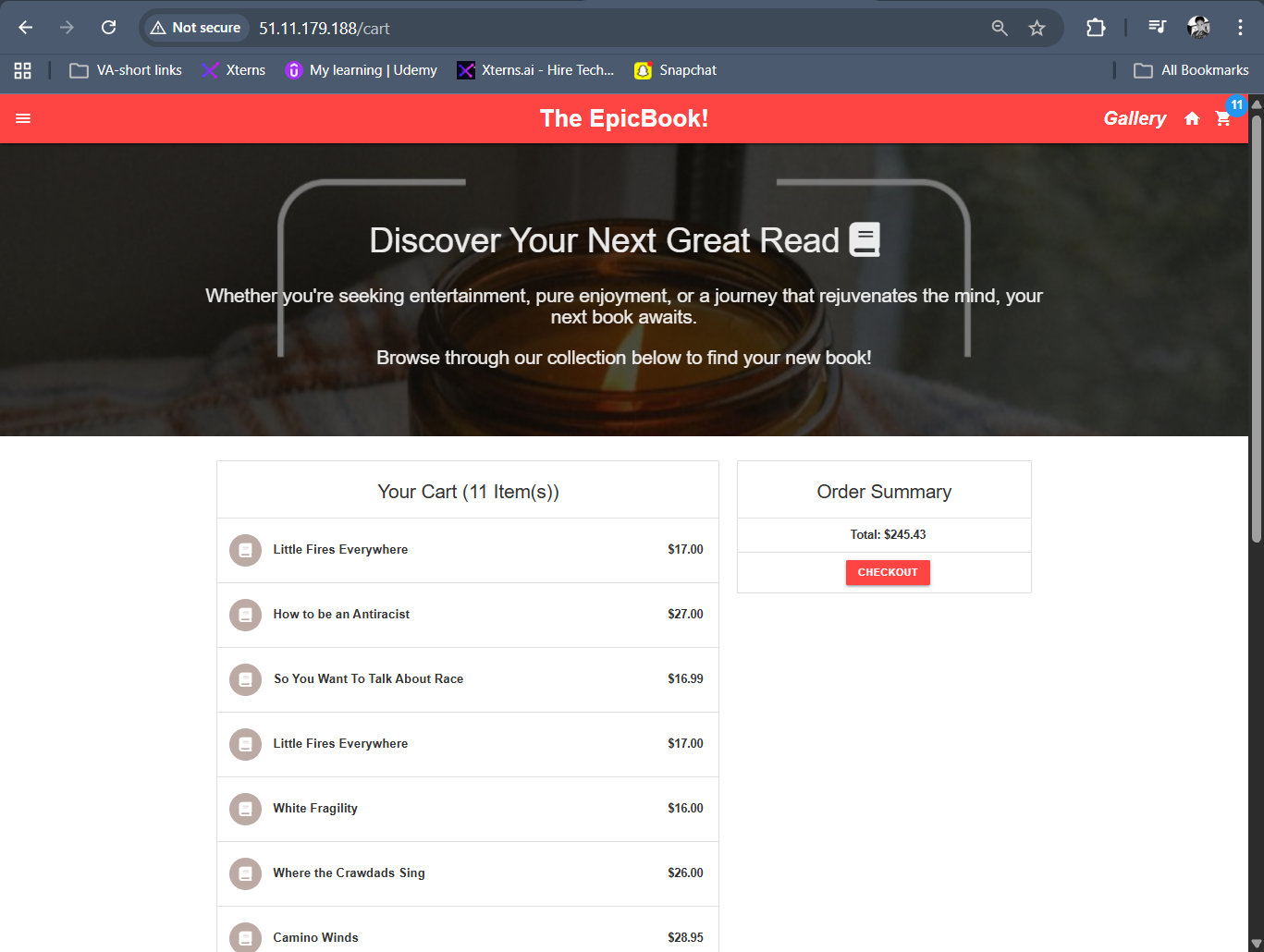
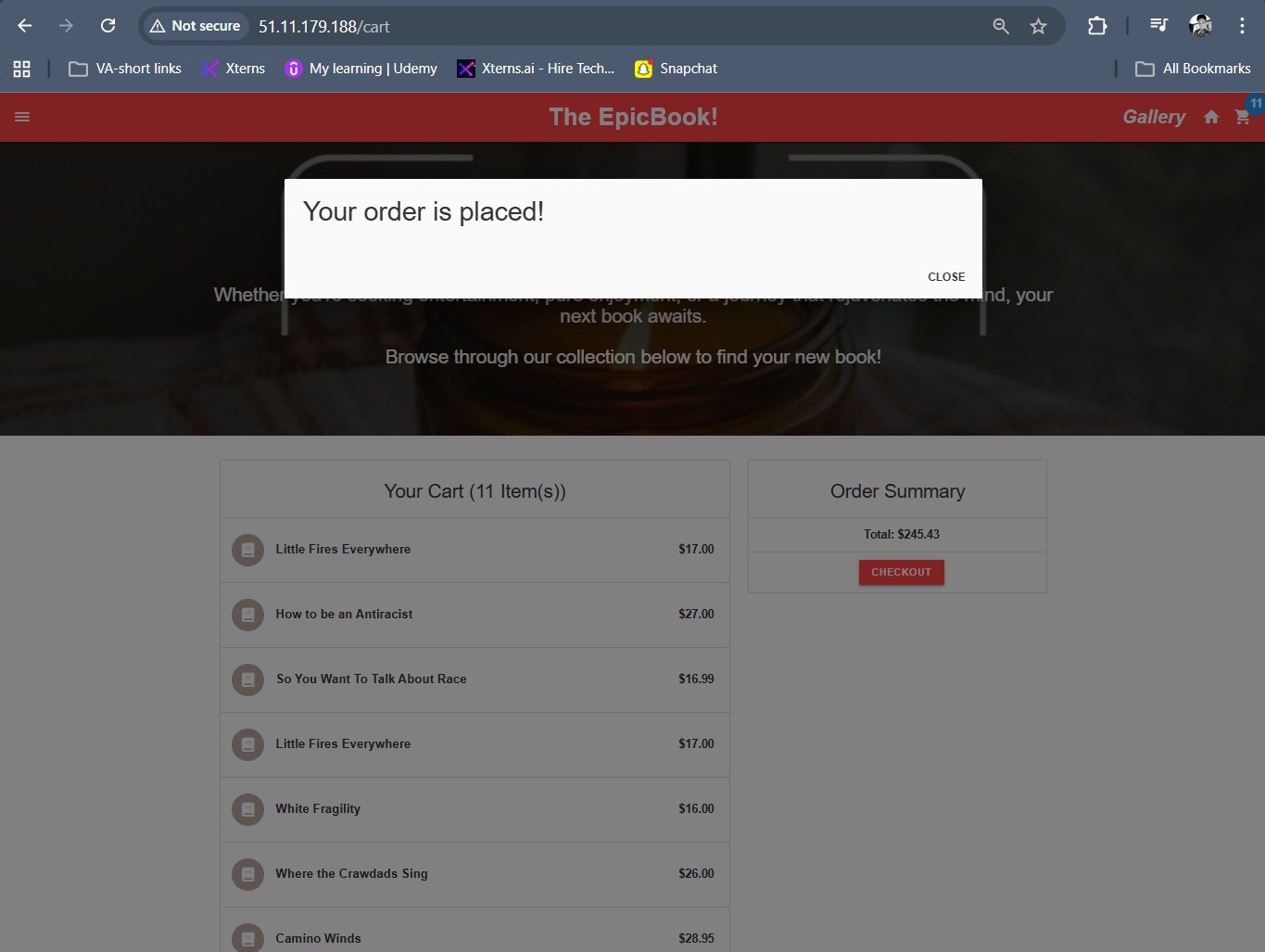
The EpicBook is an online bookstore built with Node.js, Express, MySQL, and Handlebars. Users can browse books by category, view details, add to cart, and checkout.
Our job is not to build the app. Our job is to take that app from source code and make it run reliably in production on a cloud VM using Docker Compose.
Here is the architecture:
Internet
    |
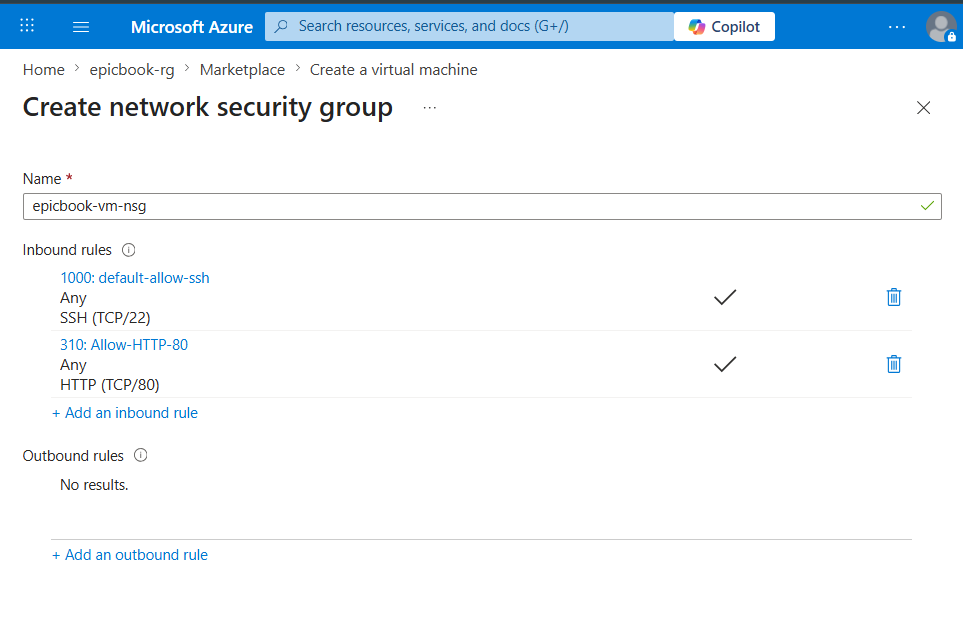
    | port 80 (only port exposed)
    v
Nginx (reverse proxy)
    |
    | frontend_network
    v
Node.js App (port 8080, internal)
    |
    | backend_network
    v
MySQL (port 3306, internal only, never exposed)
Three containers. Two networks. One public port.
Phase 0: Understanding the App Before Touching Anything
The most important step in this capstone was reading the code before writing a single line of configuration.
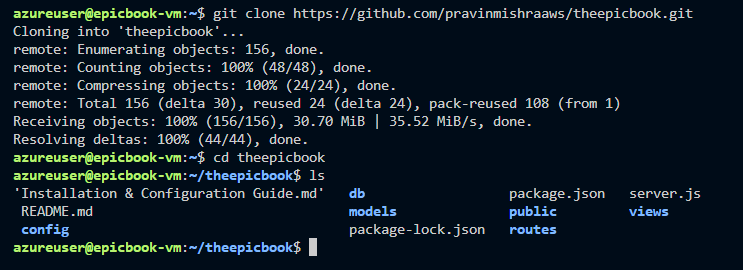
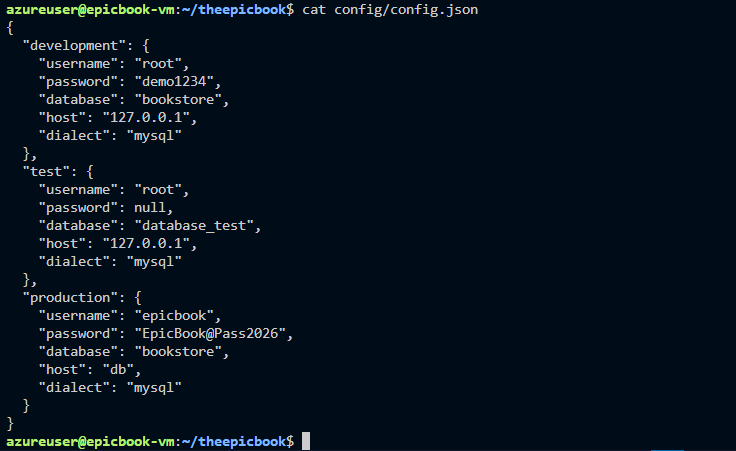
From server.js I learned the app runs on port 8080. From config/config.json I learned it uses MySQL with a database called bookstore. From the db/ folder I found the schema and seed SQL files. From package.json I knew what dependencies to install.
This exploration step saved hours of debugging later.
The Files We Created
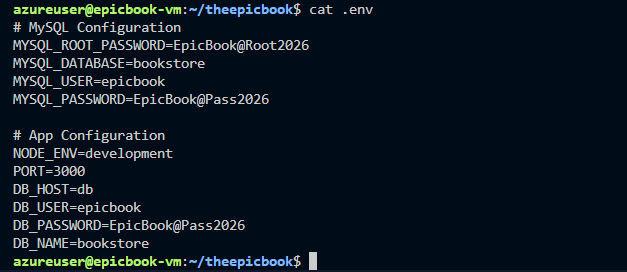
1. .env (secrets management)
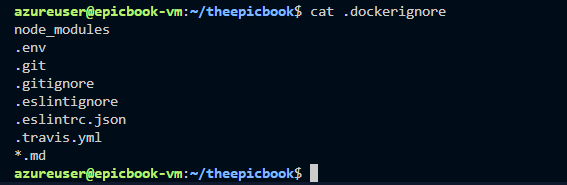
Never hardcode credentials. Every secret goes in .env and stays out of Git.
MYSQL_ROOT_PASSWORD=<strong-password>
MYSQL_DATABASE=bookstore
NODE_ENV=production
PORT=8080
DB_HOST=db
DB_HOST=db is critical. Inside Docker Compose, containers talk to each other using service names, not IP addresses. The MySQL container is reachable at db.
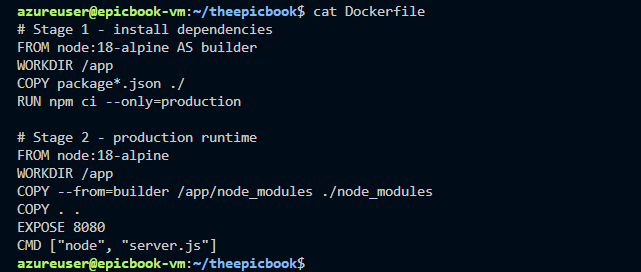
2. Multi-stage Dockerfile
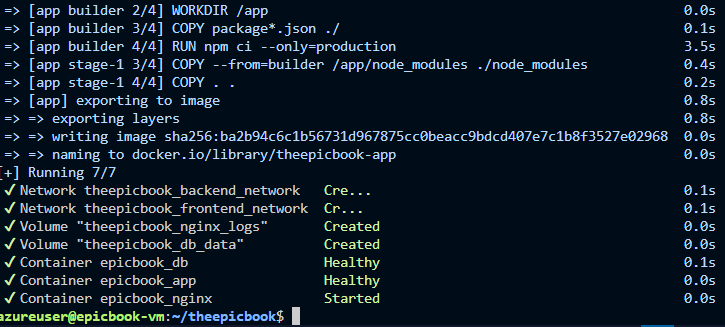
FROM node:18-alpine AS builder
WORKDIR /app
COPY package*.json ./
RUN npm ci --only=production

FROM node:18-alpine
WORKDIR /app
COPY --from=builder /app/node_modules ./node_modules
COPY . .
EXPOSE 8080
CMD ["node", "server.js"]
The builder stage installs only production dependencies. The runtime stage gets clean node_modules and nothing else. Dev tools never touch the final image.
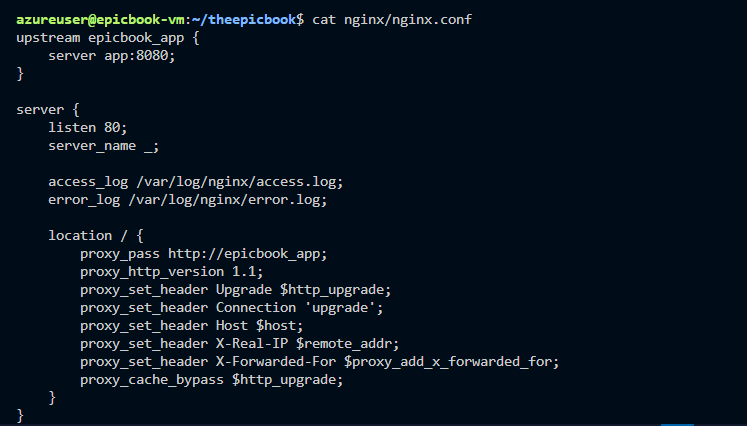
3. Nginx reverse proxy
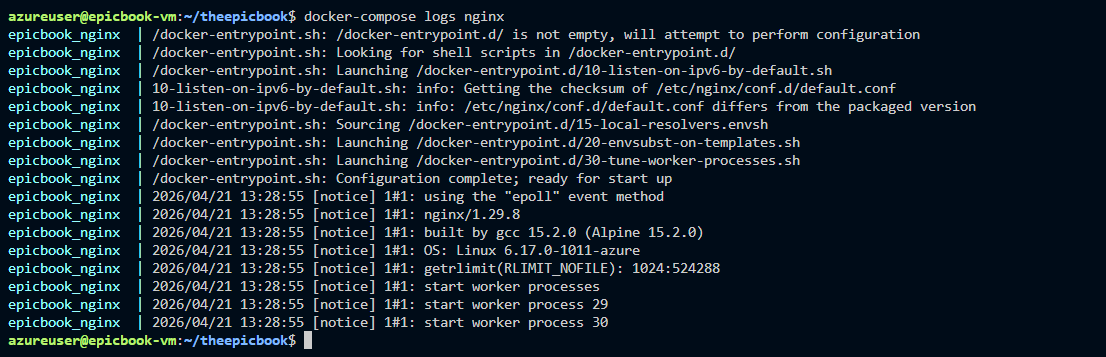
The upstream block uses the Docker Compose service name app. Docker's DNS resolves this automatically to the app container's internal IP.
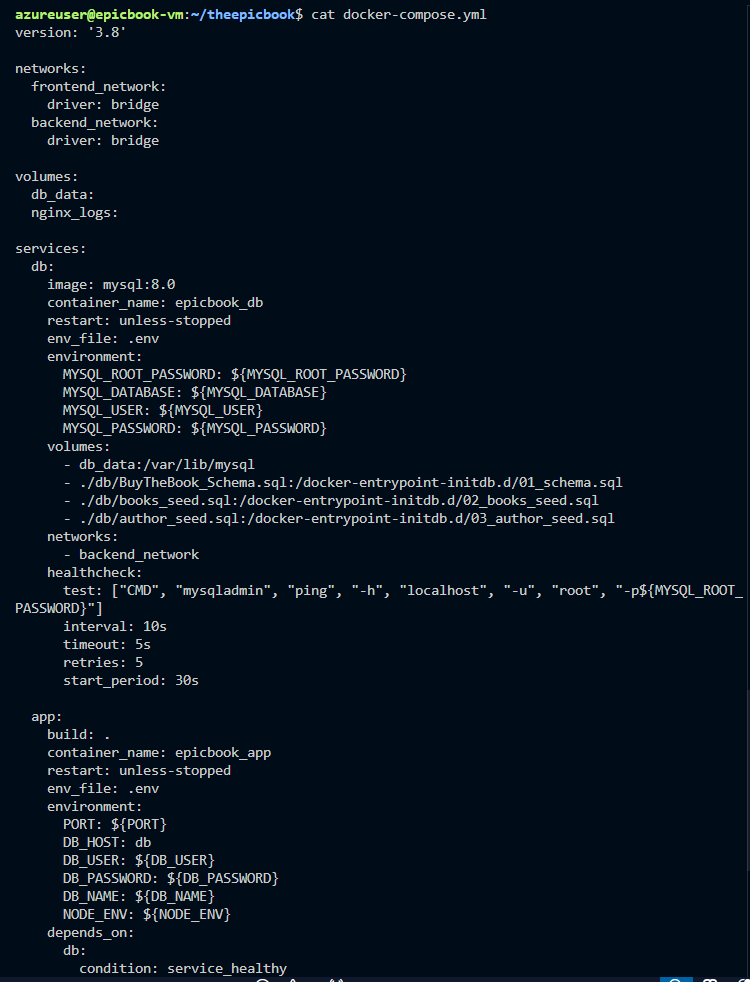
4. docker-compose.yml with healthchecks
The most important architectural decision was the startup order:
db healthy --> app starts --> app healthy --> nginx starts
Without healthchecks and depends_on conditions, the app container starts before MySQL is ready and crashes immediately trying to connect. With them, Docker guarantees the order every single time.
The Problems I Hit
I want to talk about what went wrong because that is where the real learning lives.
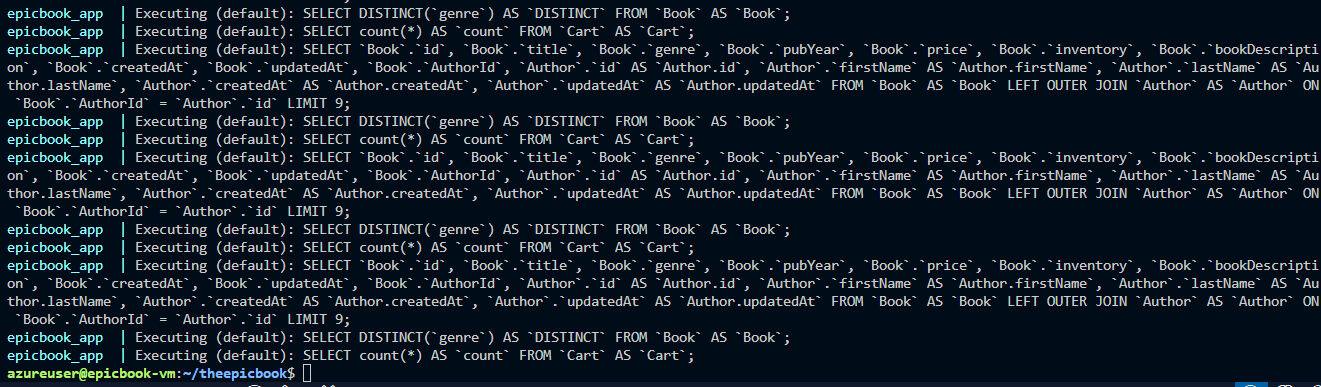
The books did not load. The site came up but showed "no books available." I had run the seed commands but the data was not there. The issue was subtle: docker exec with stdin redirection reads the file from the VM but executes inside the container without the file being accessible there. I fixed it by copying the files into the container with docker cp first, then sourcing them from inside.
The Nginx healthcheck showed unhealthy. I had written a healthcheck using wget, which is not installed in nginx:alpine. The site was working perfectly but the status showed unhealthy. I removed the Nginx healthcheck since the app and database healthchecks were already guaranteeing startup order and the site was serving traffic correctly.
The docker-compose.yml got corrupted. When I tried to rewrite the file using a heredoc, special characters caused the shell to misinterpret the content. I switched to a Python one-liner to write the file cleanly without shell interpretation issues.
Every one of these problems taught me something I will not forget.
The Moment That Made It Real
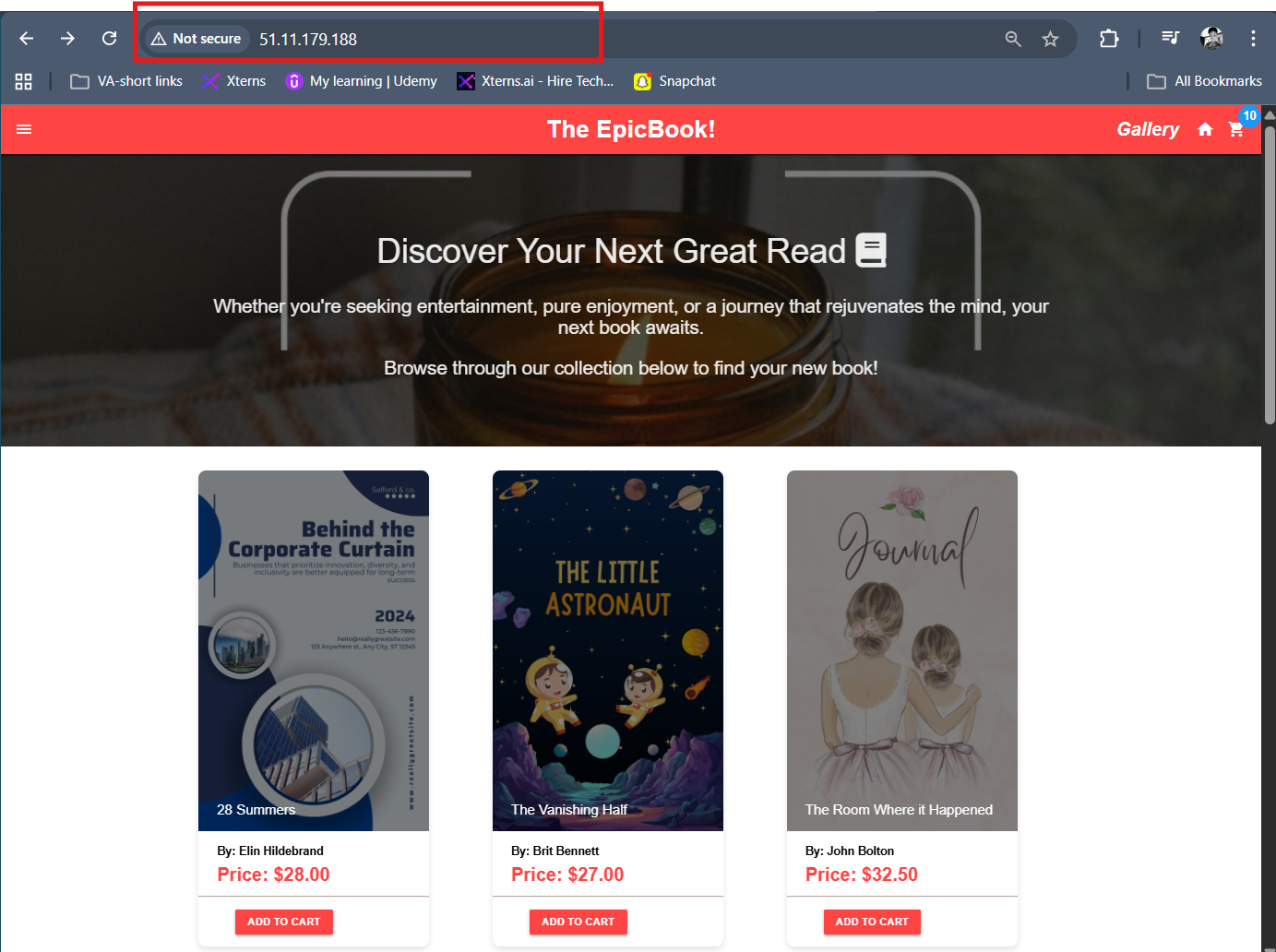
After seeding the database I refreshed the browser and the books appeared.
28 Summers by Elin Hilderbrand. The Vanishing Half by Brit Bennett. Where the Crawdads Sing by Delia Owens. Dozens of real books with prices, genres, authors, and descriptions, all pulled from a MySQL database running in a Docker container, served by a Node.js app running in another container, routed through Nginx running in a third container, on an Azure VM I provisioned myself.
That moment is why I started this journey.
The Persistence Test
This was the final proof that the deployment was production-grade.
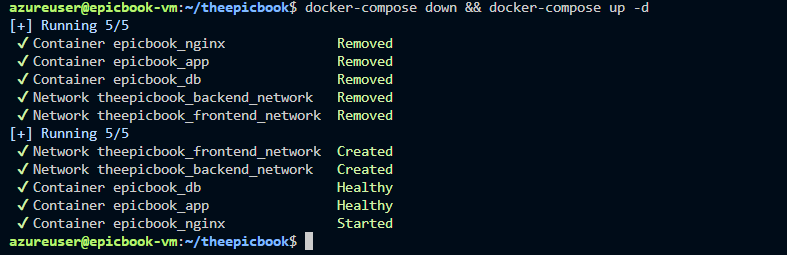
I checked the book count: 54. Then I ran docker-compose down, which removed every container and both Docker networks. Then docker-compose up rebuilt everything from scratch. Then I checked the count again: 54.
The data survived because it lives in a named volume called db_data. Named volumes exist outside the container lifecycle. You can destroy and recreate every container and the volume stays intact.
That is the difference between a container that holds your data and a volume that persists it.
Where I Go From Here
This capstone completes the Docker for DevOps Engineers track. Everything I built here, multi-stage images, Compose orchestration, network segmentation, volume persistence, reverse proxy configuration, feeds directly into Kubernetes, CI/CD pipelines, and everything that comes next.
I will document all of it.
GitHub: https://github.com/vivianokose/the-epicbook_capstone.git